SHIP FAST HQ
THE INTERNET
CLOUD ZONE 001
[READER]
YOUR BROWSER
WORLDWIDE DELIVERY
A Developer's Guide to Wisecut: One-Click Video Editing for Dev Teams
Ship Fast Weekly tested the tools through a developer-minded lens: reproducibility, integration points, automation tolerance, and the amount of manual clea...
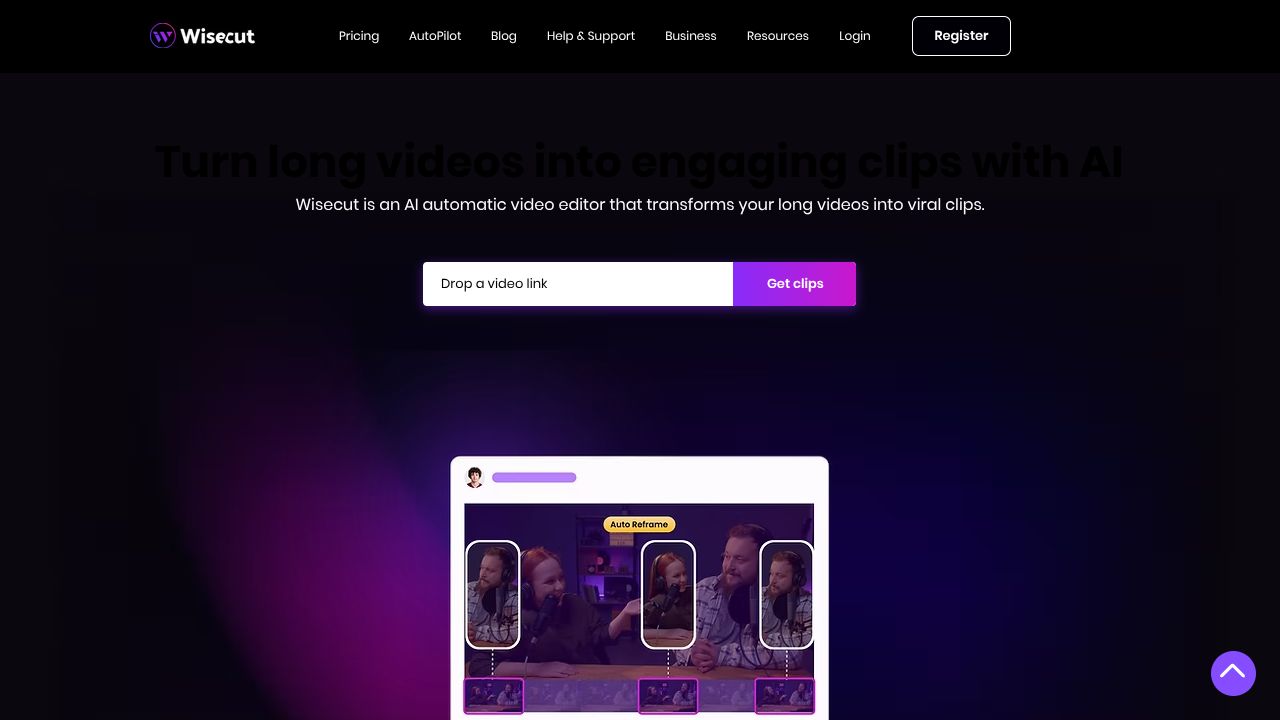
Auto-Edit Showdown: Can one-click AI replace a careful, dev-centric pipeline?
Ever spent hours trimming out awkward silences, syncing background music, and fixing shaky vlog footage before you can ship a single episode? Wisecut promises a “set-it-and-forget-it” workflow for vloggers — but how does that hold up when compared to the more feature-rich editors that developer teams lean on?
Ship Fast Weekly tested the tools through a developer-minded lens: reproducibility, integration points, automation tolerance, and the amount of manual cleanup required to reach publish-ready quality.
Quick Comparison Table
| Feature | Wisecut | Descript | Kapwing |
|---|---|---|---|
| Pricing | Free tier; Pro ≈ $10/mo | Free tier; paid tiers (creator → pro) from ~ $12–$24/mo | Free tier; Pro ≈ $16–$20/mo |
| Ease of Use | Very high — true one‑click flow | High — visual, but many options | High — template-driven editor |
| Developer Tools Features | Minimal — focused UI, few APIs | Advanced — transcript-first editor, automation scripts, export control | Moderate — some automation, team API for business plans |
| Integration Options | Exports + basic sharing | Integrations with git-style workflows, extensive export formats, podcast support | Social-first exports, embed & team collaboration APIs |
(Prices are approximate; check vendor pages for current plans.)
Where Wisecut Wins
Hands-off speed for single creators — Wisecut’s core claim is accurate: for a solo vlogger who needs silence removal, auto-music leveling, basic stabilization and captions with minimal tuning, Wisecut produces a publishable draft in a fraction of the time of manual editing. Compared to Descript, which rewards hands-on transcript-driven edits, Wisecut reduces cognitive overhead and decision points.
Consistent natural-flow edits — Wisecut’s silence removal and auto-cut heuristics prioritize conversational rhythm over aggressive jump cuts. For creators prioritizing natural pacing (podcasts or sit‑down vlogs), the “set-it-and-forget-it” defaults often need fewer manual tweaks than Kapwing’s template-first approach.
Cost-to-value for micro-creators — The $10/mo Pro tier covers the common polish needs of many vloggers. For teams that don’t need collaboration features or custom automation, Wisecut is an economical productivity multiplier.
Where Competitors Have an Edge
Deeper control & scripting — Descript
Descript’s transcript-centric model is a developer-friendly playground: you can script edits, perform text-based cut-and-replace, and iterate deterministically. For reproducible pipelines, batch processing, or programmatic QC (e.g., using transcripts to drive downstream analytics), Descript’s richer export and automation capabilities matter.
Integration & team workflows — Kapwing
Kapwing provides stronger social-media integration, team permissions, and embeddable exports. If your workflow requires multi-person review loops, embeddable players, or programmatic rendering via an API at scale, Kapwing’s collaboration features and publishing endpoints outpace Wisecut’s simpler sharing model.
(For deeper reviews, see the vendor documentation and product comparisons on each provider’s site.)
Best Use Cases for Developer Tools
Choose Wisecut when: you need fast, repeatable one-click polish for single-host vlogs/podcasts, minimal configuration, and low ongoing cost. Ideal for individuals or small content teams wanting speed hacks over fine-grained control.
Choose Descript when: you require deterministic, transcript-driven edits, finer control over silence/filler removal, and integration into automated CI/CD-like media pipelines or larger editorial workflows.
Choose Kapwing when: publishing across social channels, running collaborative teams, or embedding rendered players into web apps is a priority.
The Verdict
For developers and engineering-led content teams, the decision hinges on control vs. speed. Wisecut wins on time-to-first-publish and simplicity — it’s the fastest path to a decent-looking vlog with almost no setup. But when the metrics that matter are reproducibility, scriptability, and integration into larger toolchains, Descript (for editorial control) and Kapwing (for team publishing and embedding) provide stronger foundations.
The data shows: pick Wisecut to ship fast, pick Descript to ship precisely, pick Kapwing to ship collaboratively. Ship it. Every week. No excuses.
PACKAGE CONTENTS:
Wisecut