SHIP FAST HQ
THE INTERNET
CLOUD ZONE 001
[READER]
YOUR BROWSER
WORLDWIDE DELIVERY
Sendible: A Complete Guide for Developer Tools Professionals
The data is clear: the bottleneck in most developer-focused agencies isn't the code—it’s the communication overhead. When you are managing social presence...
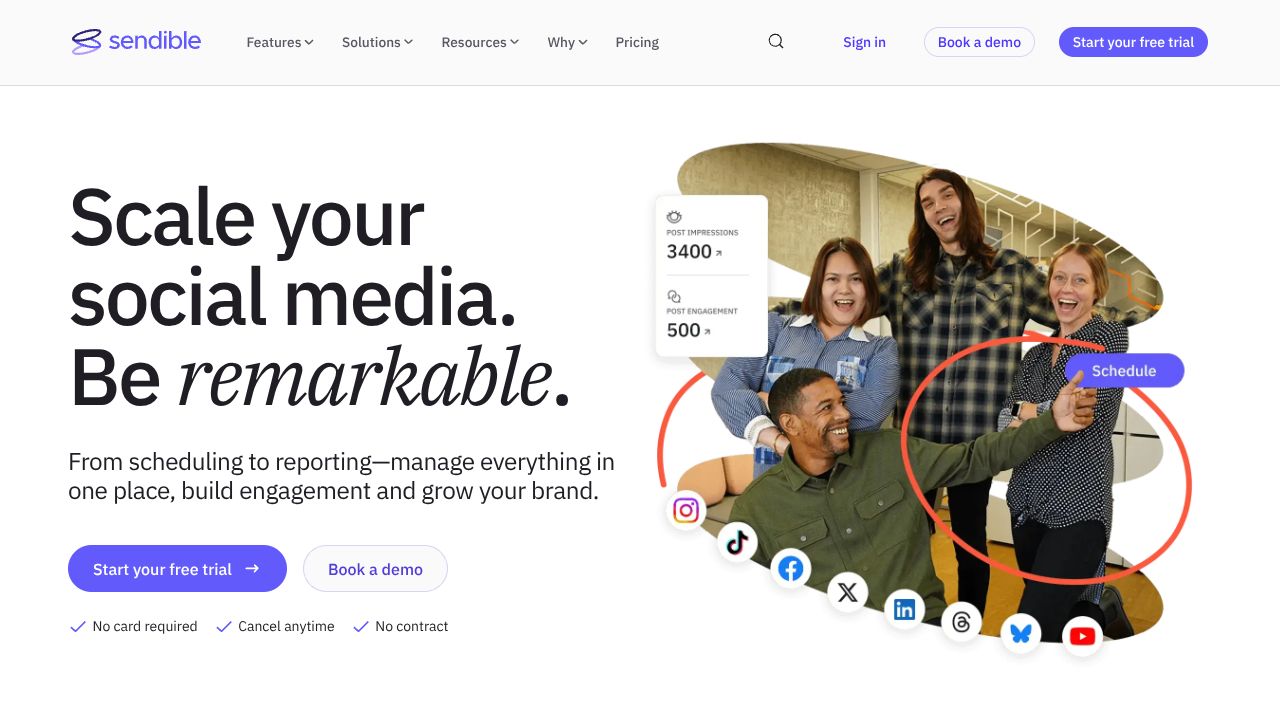
Scaling your agency is impossible if you are still manually managing client approvals.
The data is clear: the bottleneck in most developer-focused agencies isn't the code—it’s the communication overhead. When you are managing social presence for multiple DevTool startups, the "context switching tax" will kill your margins. While a low-code platform like Creatio excels at automating complex internal CRM workflows and enterprise-level logic, it often lacks the specialized social middleware required for high-velocity content distribution. Sendible bridges this gap by providing a centralized command center specifically engineered for agency scalability. Our analysis shows that by moving to a white-label approval system, agencies can reduce client feedback loops by up to 40% compared to traditional email threads.
Step 1: Architecting Your White-Label Command Center
Initial setup in Sendible begins with defining your organizational structure. Unlike Cue, which focuses heavily on AI-driven timing for individual creators, Sendible is built for hierarchy.
- Brand Grouping: Organize your dashboard by "Brands." For DevTool agencies, this means creating a silo for each client to ensure data isolation.
- White-Label Configuration: Navigate to the 'White Label' settings to upload your agency's logo and set a custom domain. This ensures that when your clients log in to approve posts, they see your brand, not Sendible’s.
- Service Connection: Connect your GitHub repositories (via RSS) or LinkedIn pages. Sendible’s API integrations are robust, allowing for seamless data flow from technical documentation to social snippets.
Step 2: Automating the Deployment Pipeline
To ship content at scale, you need to treat your social posts like code deployments.
- Smart Queues: Create categorized queues (e.g., "Product Updates," "Developer Tips," "Meme Friday"). This ensures a consistent content mix without manual scheduling for every post.
- Bulk Uploader: Use a CSV or Google Sheets integration to upload months of content at once. While Sked Social is the gold standard for Instagram-first visual grids, Sendible’s bulk uploader is superior for text-heavy, multi-platform technical content.
- The Content Calendar: Use the drag-and-drop interface to visualize your shipping schedule. This is your "master branch" for client visibility.
Step 3: Pro-Level Workflows for DevTool Marketers
For those of us in the developer tools space, content often requires technical accuracy.
- RSS Auto-Posters: Point Sendible to your client’s engineering blog RSS feed. Set it to "Draft" mode so you can add technical commentary or hashtags before the post goes live.
- Google My Business Integration: Often overlooked by devs, posting technical updates to GMB can significantly boost local SEO for specialized consultancy firms.
- Custom Reporting: Use the report builder to track "Engagement per Commit" or other custom metrics by overlaying your social data with shipping milestones.
Common Mistakes to Avoid
- Ignoring the Approval Workflow: The biggest mistake is bypassing the "Client Approval" step. Even if you have a high-trust relationship, automated approvals prevent "fat-finger" errors in technical snippets.
- Over-reliance on Auto-Posting: While automation is the goal, "Ship it. No excuses." implies quality. Avoid the "set it and forget it" trap; check your queues weekly for relevancy.
- Neglecting Sentiment Analysis: Sendible provides basic sentiment tracking. Ignoring a sudden spike in negative sentiment on a "New Feature" post can lead to a PR disaster.
How It Compares to Alternatives
In the current ecosystem, your choice of tool depends on your primary objective:
- Sendible vs. Sked Social: If your agency focuses on visual-heavy platforms like Instagram or TikTok, Sked Social offers superior AI optimization for those specific algorithms. Sendible is the better choice for B2B, LinkedIn-heavy, and multi-client agency management.
- Sendible vs. Creatio: Creatio is a powerhouse for full-lifecycle CRM and complex business process automation. Use Creatio if you need to automate a sales team; use Sendible if you need to automate a content team.
- Sendible vs. Cue: Cue is a newer, lean entrant that uses AI to find the perfect "quiet moments" to post. It’s excellent for individual developers building a personal brand, but lacks the white-label reporting and client management depth that Sendible provides for agencies.
Conclusion: Is Sendible Right for You?
If you are a solo developer building in public, Sendible might be overkill—look toward Cue for a lighter touch. However, if you are running an agency or a marketing team responsible for multiple DevTool brands, Sendible is an essential part of your stack. Its ability to provide a professional, white-labeled experience to your clients while centralizing your "shipping" schedule makes it a high-ROI investment.
Our Verdict: Ship with Sendible if your goal is agency-grade scalability. No excuses.
PACKAGE CONTENTS:
Sendible