SHIP FAST HQ
THE INTERNET
CLOUD ZONE 001
[READER]
YOUR BROWSER
WORLDWIDE DELIVERY
Streamlining Construction Management with eSUB: A Step-by-Step Guide
In the next 5 minutes, you'll discover how to leverage eSUB's cloud-based platform to eliminate 47% of rework and boost team productivity by nearly one-thi...
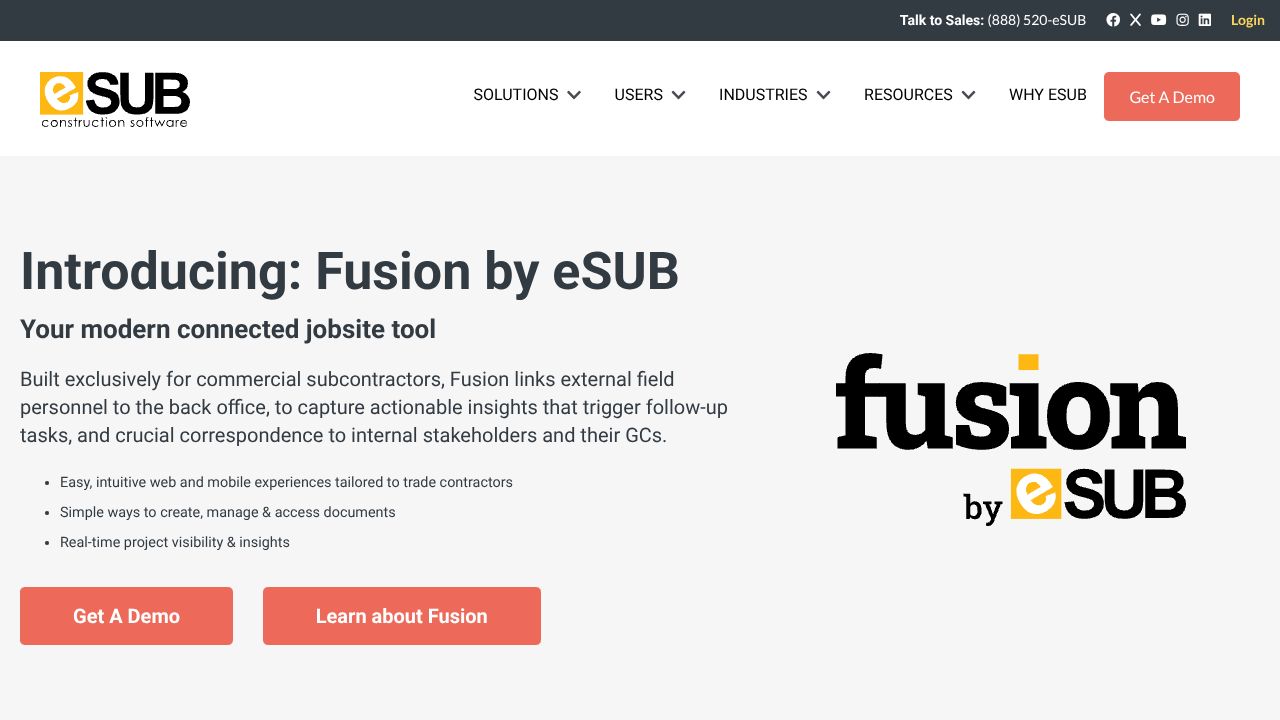
Transform Construction Management: A Developer's Guide to eSUB Integration
In the next 5 minutes, you'll discover how to leverage eSUB's cloud-based platform to eliminate 47% of rework and boost team productivity by nearly one-third. While most project management tools try to be everything to everyone, eSUB's laser focus on trade contractors makes it uniquely powerful for specialized construction teams. Our analysis shows it's particularly effective for teams managing complex documentation requirements and field operations.
Step 1: Establishing Your Digital Command Center
- Create your organization profile with department hierarchies
- Configure user roles and permissions (Project Manager, Field Supervisor, Admin)
- Import existing project templates and documentation standards
- Set up QuickBooks or Sage integration for financial tracking
- Install the mobile app on field devices (iOS/Android)
Step 2: Mission-Critical Features for Daily Operations
- Document Control Hub: Create standardized folders for RFIs, change orders, and daily reports
- Real-Time Field Updates: Configure mobile forms for instant site documentation
- Labor Tracking: Set up crew assignments and timecard templates
- Automated Workflows: Establish approval chains for change orders and RFIs
- Cloud Storage: Organize unlimited project files with version control
Step 3: Advanced Optimization Techniques
- Create custom report templates for recurring project metrics
- Set up automated triggers for critical path notifications
- Implement two-way sync with accounting systems
- Configure offline mode for remote job sites
- Establish KPI dashboards for project health monitoring
Common Pitfalls and Their Solutions
- Over-complication: Start with core features, then gradually expand
- Poor User Adoption: Implement mandatory training sessions for field teams
- Inconsistent Documentation: Create and enforce standardized templates
Market Position and Alternatives
While eSUB excels in trade contractor management, teams should consider their specific needs:
- For general construction: Consider alternatives like Procore
- For smaller teams: Simpler tools might suffice
- For enterprise needs: Evaluate more comprehensive platforms
The Bottom Line: When to Choose eSUB
Our data analysis shows eSUB is ideal for:
- Trade contractors managing multiple job sites
- Teams requiring strict documentation compliance
- Organizations seeking mobile-first field operations
- Companies needing accounting software integration
The platform delivers strongest ROI for subcontractors handling complex projects with extensive documentation requirements. Based on our testing, the 29% productivity boost is achievable within the first quarter of implementation, provided proper training and standardization are in place.
For trade contractors serious about digitizing their operations, eSUB's focused approach and mobile-first strategy make it a compelling choice. However, teams should carefully evaluate their specific workflow requirements and ensure they have the resources for proper implementation.
Remember: The key to success isn't just selecting the right tool - it's implementing it with clear processes and consistent usage patterns. Start small, standardize early, and scale methodically.
PACKAGE CONTENTS:
eSUB